How to Create a Website for Your Small Business
Learn how to create a website , what affects the cost, which pages your business needs and how to get online quickly with Windsor Cyber Office.
When someone asks what you offer, do you send them a price list, a handful of photos and several WhatsApp messages? A simple business website can put those details behind one link.
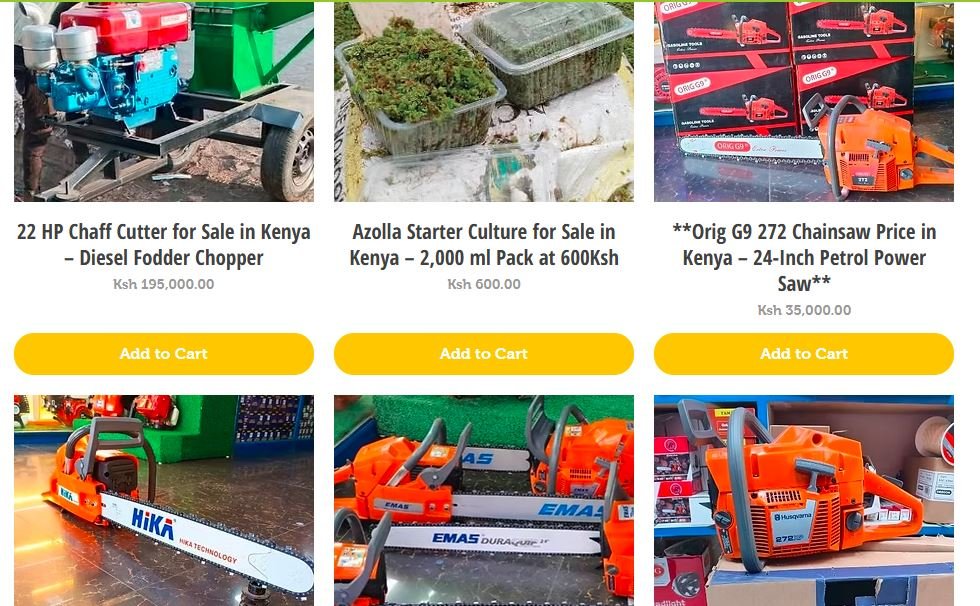
Customers can see what you sell, check whether you serve their area and contact you with a more specific enquiry.
If you want to get online quickly, start by deciding what the website needs to do on its first day.
1. Pick the action you want customers to take
Imagine someone opens your website on their phone and spends 30 seconds on it. What should they be able to do before they leave?
A catering business might want customers to view sample menus and request a quote with their event date and guest count. A repair business might want people to describe the fault and share their location. An equipment supplier might want buyers to browse available machines and ask about a specific model.
Pick one main action and make it easy to find. Request a Catering Quote gives visitors a clearer next step than a generic Learn More button.
2. Choose the smallest website that does the job
A one-page website can work if you sell one main service. It can explain the offer, show photos or examples, answer common questions and give people a way to contact you. It’s also a practical starting point if you have a campaign or event coming up.
A multi-page website makes sense when you offer distinct services. A cleaning business, for example, could give office cleaning, sofa cleaning and move-out cleaning separate pages so customers can find the details they need.
A product catalogue works when people need to browse before asking about price or stock. If customers also need to pay online, include checkout, payments and order handling in the brief so those features are accounted for in the quote.
3. Prepare the details that speed up the build
Gather your business name, contact details, service areas, a short list of what you offer and a few photos you have permission to use. Add answers to questions customers already ask. Do you deliver? Can someone book on short notice? What information do you need before you can give a quote?
If you already own a domain, check that you can access the account where it was registered. If you need a new domain, have two or three names in mind. A domain is the address customers type to reach you. Hosting is where the website runs. Ask who will manage both and how you’ll get access after launch.
4. Understand what affects website design costs in Kenya
A one-page website with a WhatsApp button is a different job from an online shop with payments and order management. The quote depends on how many pages you need, whether the content is ready and what the website needs to do.
When comparing quotes, check whether the price covers writing, hosting, domain renewal and updates after launch. Ask how many rounds of changes are included and whether you’ll be able to update prices, photos or opening hours yourself. That helps you compare what you’ll actually receive and what you’ll pay to keep the site running.
Can you create a business website for free?
A free website builder can help you put together a basic page and test what you want to say. Before you choose one, check whether it lets you connect your own domain, add the enquiry features you need and move your content later. If you want someone to structure the pages, connect your domain and test the customer journey, include those tasks in your brief when asking for a quote.
How to get your website online faster
Decide which page needs to go live first. If you’re launching a service next week, that might be a page with the offer, pricing or quote details and a working enquiry button. You can add the rest once customers have a link they can use.
Ready to get your business online? Send Windsor Cyber Office three things: what you sell, what customers should do on the site and when you need it live. We’ll scope the first version and give you a quote and turnaround.
Interested? Let us find the provider.
Tell us what you need, where you are, and when you need it we do follow up on availability and pricing.
Notify Provider →